

Friday, 10 July, 2026г.
















Где искать: по сайтам Запорожской области, статьи, видео ролики
пример: покупка автомобиля в Запорожье
ASTRA PARTY TIME CLASSIC 25JP MFME 5.0 emulation
 У вашего броузера проблема в совместимости с HTML5
classic machine PARTY TIME NUMBER 2 http://dadsfme.co.uk/index.php
mfme 5.0
usual link up first top board then the three slaves in order 1-3
It uses your Wi-Fi to communicate with the slave units instead of serial ports like the real machine so.......
You need to input your IP address into MFME - File/Preferences.
To find your IP address you need to do the following:
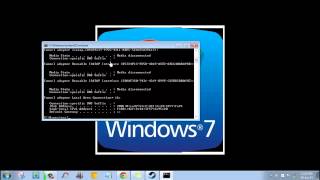
Right click on the start/windows icon, bottom left corner of screen, left click on command prompt
Enter in the following: ipconfig and hit enter
look for the value of IPv4 address and make a note of it, it'll probably start with 192.168 etc
Enter this 4 digit number number including the full stops into MFME, exit the emulator and then restart it.
You only need to do this once as MFME will remember it in the future.
Show less
Похожие видео

![Reign of Kings Server Setup [Easy]](/images/mq/b/d0/e9xmqpEc5BOwM5.jpg)

Мой аккаунт