

Sunday, 14 June, 2026г.
















Где искать: по сайтам Запорожской области, статьи, видео ролики
пример: покупка автомобиля в Запорожье
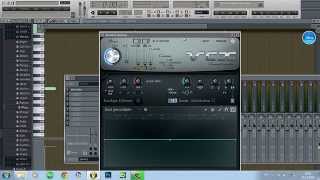
FL Studio Tutorial - Vocodex (Autotune, Dubstep and Effects)
 У вашего броузера проблема в совместимости с HTML5
Link to Vocodex: http://www.image-line.com/documents/vocodex.html
In this tutorial we take a look at Vocodex.
I give a brief overview of the program as well as a number of demonstrations, displaying some of the capabilities of this plugin.
My voice is on the left because FRAPS sees that my external soundcard (Steinberg CI2) has two mic ports and combines the two for stereo.
I've only got one mic and although the soundcard has a mono and stereo mode, FRAPS ignores this somehow and still uses the input from both mic ports.
I can manually level it in post production but whenever I do that, any sound playing from FL gets panned all the way to the right because im talking and filming at the same time.
It's a pain in the ass but currently the only way I can make tutorials with my nice, clear mic.
Теги:
studio tutorials ignyte vocodex handy interesting music dubstep auto tune how-to how vocals effects change mix
Похожие видео
Мой аккаунт