

Thursday, 04 June, 2026г.
















Где искать: по сайтам Запорожской области, статьи, видео ролики
пример: покупка автомобиля в Запорожье
How To Backup Windows 10 Drivers using PowerShell or Command Prompt
 У вашего броузера проблема в совместимости с HTML5
© 2017 By Your Own MySchoolProject® All Rights Reserved
How To Backup and Restore Windows 10 Drivers Using PowerShell or Command Prompt
In this video In showing How To backup and Restore Drivers In Windows 10 using PowerShell or Command Prompt.
PowerShell:
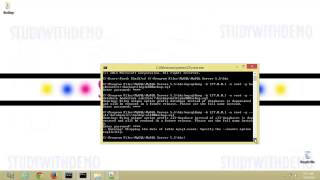
Export-WindowsDriver -Online -Destination C:\Backup
Command prompt:
dism /online /export-driver /destination:"C:\Drivers Backup
(The Destination Folder should exist already before using the command.)
To Restore the Drivers you can use "Device Manager" or
a Third-Party software such as "Double Driver"
Double Driver:
https://www.techspot.com/downloads/6179-double-driver.html
MySchoolProject All Rights Reserved .M.S.P© (.M.S.P®) 2011-2017
Похожие видео


Мой аккаунт