

Sunday, 16 August, 2026г.
















Где искать: по сайтам Запорожской области, статьи, видео ролики
пример: покупка автомобиля в Запорожье
HOW to Burn Wii Games with Imgburn NEW tutorial
 У вашего броузера проблема в совместимости с HTML5
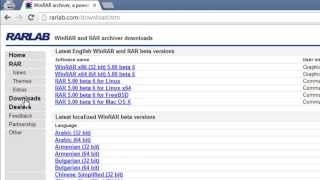
Burning Wii games Step 1: Download Imgburn: http://download.cnet.com/3001-2646_4-10847481.html?spi=62dc9efe8b5fba2f67d085c563731a14 Step 2: Download Winrar: http://download.cnet.com/3001-2250_4-10965579.html?spi=fbf802984cfc28e34419620f62bf700a Step 3: Download your game/ backup ;) Step 4: If your game comes in the compressed form, ie: the book stack like shown in my video double click on the first book and "Winrar" will extract your game to "ISO" file. Now your ready to burn with Imgburn. Imgburn Check List: 1: Click "Write Image File To Disc" 2: Find your game, in the top let column labeled "Source, please selet a source" Click the left folder in that column that will say "Browse for Source" and click on your ISO game file. 4: Make sure there is a check in the box that says "Verify" 5: On the bottom right change your "Write Speed" to 8x 6: Pop in your DVD-R and click "Write" 7: 10-20 mins later you will have burned your Wii Game!!! Congrats!! 8: IF this Tut helped you SUB & Rate or if you need another How to tut let me know!!
Теги:
video
Похожие видео


Мой аккаунт