

Thursday, 30 July, 2026г.
















Где искать: по сайтам Запорожской области, статьи, видео ролики
пример: покупка автомобиля в Запорожье
How to change system clock to 24-hour mode
 У вашего броузера проблема в совместимости с HTML5
thx guys for watching. heres the steps:
1. click start
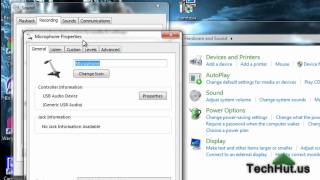
2. click control panel
3. click view by: category and change it to small icons/big icons
4. find Region and language and click it (its located on the right)
5. in Formats tab click additional settings... (you can do this in formats too: just click short time and change it to H:mm and long time to HH:mm:ss)
6. click time tab
7. click short time and change it to H:mm
8. click long time and change it to HH:mm:ss
thx!
Похожие видео


Мой аккаунт