

Monday, 22 June, 2026г.
















Где искать: по сайтам Запорожской области, статьи, видео ролики
пример: покупка автомобиля в Запорожье
How to disable Client Forwarding Rules To External Domains in Office 365/Exchange
 У вашего броузера проблема в совместимости с HTML5
**2019 UPDATE - The automatic way to apply this rule has been removed. You now have to make the rule manually.
Client forwarding rules is a common method for data breaches in Office 365.
What they do is make every email that is received by an Office 365/Exchange mailbox get forwarded to an external party.
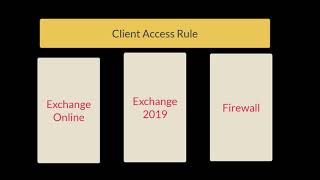
This setting is available automatically in the Office 365 Enterprise SKUs via Microsoft 365 Security & Compliance Center but you can also set it up manually in EAC (Exchange Admin Center).
Похожие видео


Мой аккаунт