

Thursday, 02 July, 2026г.
















Где искать: по сайтам Запорожской области, статьи, видео ролики
пример: покупка автомобиля в Запорожье
How to Install and Configure Burp-Suite with Firefox
 У вашего броузера проблема в совместимости с HTML5
Author: Jeremy Druin
Twitter: @webpwnized
Note: Thank you for watching. Please support this channel. Up vote, subscribe or even donate by clicking "Support" at https://www.youtube.com/user/webpwnized!
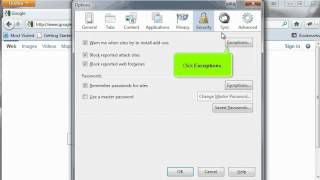
Description: This video discussing installing and configuring Burp Suite. Download Burp Suite from http://portswigger.net/burp/download.html. Unzip the downloaded file and place Burp Suite into a folder. In this video, Burp is placed onto a WinXP machine in the Program Files directory. Create a shortcut for Burp. Configure Firefox to use Burp as the web proxy so that traffic flows through Burp Suite.
The webpwnized YouTube channel is dedicated to information security, security testing and ethical hacking. There is an emphasis on web application security but many other topics are covers. Some of these include forensics, network security, security testing tools and security testing processes. The channel provides videos to encourage software developers and system administrators to perform security testing. Also, the channel educates the next generation of security testers and bug bounty hunters who want to respectfully, legally and ethically help system owners that allow security testing.
Теги:
configure hacker beginner technique Software (Industry) hacking tricks guide examples methods Help hacks suite tips explained testing techniques method install basic methodology introduction tools mutillidae overview process example tutorial Intro basics penetration browser web Learn training easy burp intro hack how firefox beginners practice simple Helpful and with online best workshop help how to tool course lesson 101 Burp Suite application pen free mozilla Computer demo webpwnized
Похожие видео


Мой аккаунт