

Thursday, 30 July, 2026г.
















Где искать: по сайтам Запорожской области, статьи, видео ролики
пример: покупка автомобиля в Запорожье
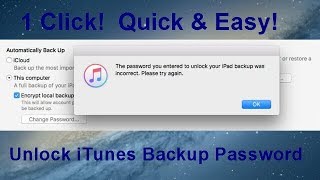
How to recover iTunes backup password for all iOS versions
 У вашего броузера проблема в совместимости с HTML5
If you can’t remember the password for your encrypted backup
You can’t restore an encrypted backup without its password With iOS 11 or later you can make a new encrypted backup of your device by resetting the password. Here’s what to do
On your iOS device go to Settings General Reset.
Tap Reset All Settings and enter your iOS passcode
Follow the steps to reset your settings. This won't affect your user data or passwords but it will reset settings like display brightness Home screen layout and wallpaper It also removes your encrypted backup password
Connect your device to iTunes again and create a new encrypted backup
Похожие видео



Мой аккаунт