

Sunday, 26 July, 2026г.
















Где искать: по сайтам Запорожской области, статьи, видео ролики
пример: покупка автомобиля в Запорожье
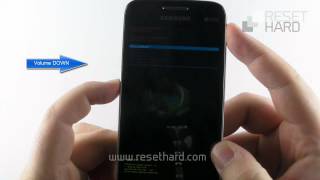
How To Reset A Samsung SM-G313HZ (Galaxy V)
 У вашего броузера проблема в совместимости с HTML5
Thanks to all who viewed my previous mobile phone reset "how-to". I now have my 19th video. This time it's for a Samsung SM-G313HZ (Galaxy V). I hope you will like it just like the previous videos.
"Hard Reset", also known as Restore Factory Settings, is a method of reverting all the phone's settings to it's factory default. You may reset your phone either the "hard" way (which resets the phone and deletes your personal settings) or the "soft" way (which resets the phone but keeps your personal settings. Remove the SIM card and memory card first.
Похожие видео
Мой аккаунт