

Tuesday, 11 August, 2026г.
















Где искать: по сайтам Запорожской области, статьи, видео ролики
пример: покупка автомобиля в Запорожье
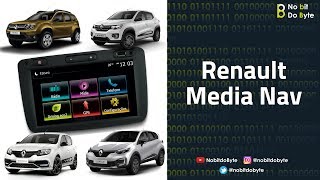
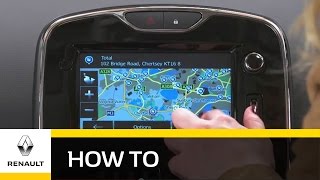
How To Update Renault Media-Nav System.
 У вашего броузера проблема в совместимости с HTML5
A Full procedure showing-
How to update maps and point of Intrests in The Navigation System of Renault Vehicles.
you Require,
1. Renault Tool. (you can download the tool from link below.)
2. A USB Pen Drive.
3. A Computer.
4. Internet Connection.
List of Devices-
https://renault.naviextras.com/shop/portal/chooseDevice
Technical Support-
https://renault.naviextras.com/shop/portal
Tool Download-
https://renault.naviextras.com/shop/portal/downloads
#1- You need to have at least 1 Gb of free space in your pen drive.
#2- You need to register on the website, to start using the tool "First Time."
#3- Do not un-plug your USB drive before the download procedure
has finished successfuly.
wait and close the tool first and then proceed to the Car navigation system.
Thank you.
Please suggest any corrections, if any.
Please subscribe for more updates.
My Page-
www.facebook.com/yourfriend.ap/
Похожие видео

Мой аккаунт