

Monday, 10 August, 2026г.
















Где искать: по сайтам Запорожской области, статьи, видео ролики
пример: покупка автомобиля в Запорожье
How to Upgrade Firmware Dell WYSE T50
 У вашего броузера проблема в совместимости с HTML5
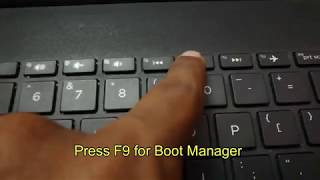
How to Upgrade Firmware Dell WYSE T50 1. Be sure the device is shut down. 2. Attach the configured USB key to the device. 3. Power on the device. 4. During boot, press and hold the P key. 5. Select the USB drive option that is displayed for your BIOS version. NOTE: Four USB drive options exist (USB, USB HDD, USB HDD0, and USB Key) and you must select the one that is displayed for your BIOS version. If you are still unsure of which option to select for your BIOS version, see "Reference Information: Boot Details for Supported Devices." 6. Press Enter and follow the process prompts.
Теги:
Dell Wyse (Business Operation) Upgrade Firmware (Software Genre) Dell (Computer Manufacturer/Brand) Software (Industry)
Похожие видео
![INACCESSIBLE BOOT DEVICE Error Windows 10 FIX [Tutorial]](/images/mq/1/bd/cwcgzbnUeZ9Mq5.jpg)
Мой аккаунт