

Friday, 31 July, 2026г.
















Где искать: по сайтам Запорожской области, статьи, видео ролики
пример: покупка автомобиля в Запорожье
How to use XTOOL EZ300 PRO
 У вашего броузера проблема в совместимости с HTML5
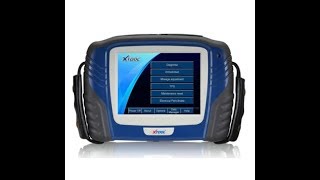
XTOOL EZ300 Pro With 5 Systems Diagnosis Engine,ABS,SRS,Transmission and TPMS
EZ300 PRO Function:
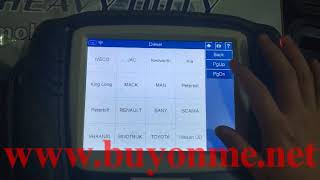
Different vehicles have slight different menus.
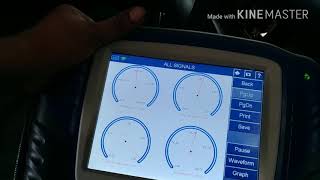
Common main function menu includes the following options:
Read ECU: this function is to read ECU version information, which is the equivalent of “System Identification” or “System Information” in some electronic control systems, all mean to read ECU related software and hardware versions, models and production date of diesel engine, part number, etc. It is convenient for us to make record in the maintenance process, and it also makes later date feedback and management easier.
Read DTCs: read trouble codes stored in ECU.
Clear DTCs: clear current and historical trouble codes memory in ECU, under the premise that all the troubles are eliminated. The trouble codes can not be erased without eliminating all the troubles, which will cause the diagnostic tool always reading the trouble code because the code will always be saved in ECU.
Suggestion: users should better not to clear trouble codes, we need record the trouble details after reading code, which is provided as reference for maintenance. After dealing with troubles, there will be no trouble code when we re-read.
Our official website: https://acartool1.en.alibaba.com/
Contact information: Skype: [email protected]
Похожие видео

Мой аккаунт