

Tuesday, 16 June, 2026г.
















Где искать: по сайтам Запорожской области, статьи, видео ролики
пример: покупка автомобиля в Запорожье
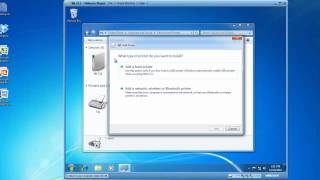
How to: Virtualized Microsoft Visio on MacOS, Windows 10, & iOS, using AppsAnywhere from Software2.
 У вашего броузера проблема в совместимости с HTML5
With AppsAnywhere from Software2, you can access any Windows application on any device, anywhere. We built this customizable user interface to serve as College or University branded app store for students and staff. Why limit learning to just campus computer labs when you can offer the same virtualized application directly to a student's computer.
Contact Michael Kuzmenko @ [email protected] for a trial or live demo.
Похожие видео


Мой аккаунт