

Sunday, 09 August, 2026г.
















Где искать: по сайтам Запорожской области, статьи, видео ролики
пример: покупка автомобиля в Запорожье
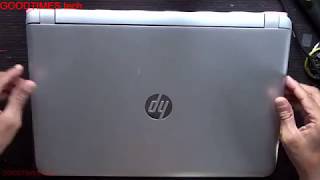
HP 250 G6 Laptop - How to change or upgrade the hard disk
 У вашего броузера проблема в совместимости с HTML5
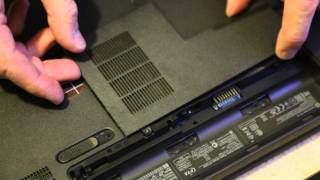
***Please Subscribe: Youtube have required creators, like me, to have at least 1000 subscribers! Subscribing would be a great help to me.*** APPROACH WITH CARE AND CAUTION. Don't break your computer! And don't blame me if you do. If in doubt, go to a professional. How to open up and replace or upgrade the hard disk on a HP 250 G6 Notebook computer. Mfr#: 1WY97EA#ABU The procedure takes at least 12 minutes, probably longer if you are new to opening up computers. This video shows you how to remove the lower case/underside cover to access the hard disk, motherboard, RAM, wireless card and bios battery..
Похожие видео
Мой аккаунт