

Friday, 21 August, 2026г.
















Где искать: по сайтам Запорожской области, статьи, видео ролики
пример: покупка автомобиля в Запорожье
PUBG|| Play PUBG With High Graphics Settings On Your Budget/Midrange Device.
 У вашего броузера проблема в совместимости с HTML5
If you have a flagship device, then you don't have to watch this video.
If you have a Budget or Lowend device, then you have to watch this video till last.
1.First you have to download this software ( GFX Tool ).
2.This software is totally free on your Google Play store.
3.Now follow step by step.
1. Open GFX Tool.
2. Select version ( 0.9.1 Gp ).
3. Select resolution ( 1920x1080 ).
4. Select graphics ( Smooth or Balanced or HD ).
5. Select FPS ( 40 or 60 ).
6. Enable anti aliasing.
7. Select style what you want.
8. Enable shadow option.
Now Accept and Run Game.
If you done, then press (Accept and Run)
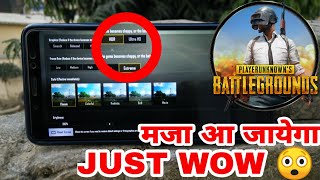
Now see you can able to enable your PUBG graphics settings.
N.B : This 3rd party software is totally safe. So don't be worry.
Disclaimer: This video is my own video. I edit this video with my own smartphone. So no copy content is here. I use my screen recorder to record PUBG gameplay.
Music Credit: www.bensound.com
Thanks For Watching!
Похожие видео

![Xiaomi Mi Pad 4 Three Fingers Handcam Gameplay [PUBG MOBILE]](/images/mq/4/42/1YceCBrg8N2USb.jpg)
Мой аккаунт