

Tuesday, 25 August, 2026г.
















Где искать: по сайтам Запорожской области, статьи, видео ролики
пример: покупка автомобиля в Запорожье
RESET OKIDATA TONER DRUM Oki B430d Fatal error 023F
 У вашего броузера проблема в совместимости с HTML5
All toner, drum, fuser and transfer figures return to 100%
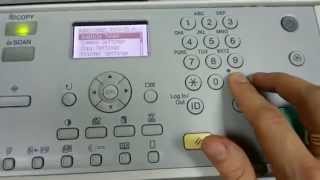
1. Turn machine on while pushing and holding the TWO up/down menu buttons at same time.
2. Menu window will show "OKI USER"
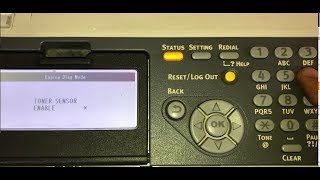
3. Scroll to " Engine Dialog Mode" is indicated. Push Enter button.
4a. "Diagnostic Mode is indicated.
5. Scroll to "NV-Ram initial" is indicated. Push ENTER.
6. Window shows "NV-Ram- Initial Table 1".
7. Push ONLINE and ENTER Buttons simultaneously and HOLD for 10 seconds after you see "Executing Reset" appear in menu window.
8. Restart printer.
or
4b under Diagnostic Mode .. Go to "reset engine" and OK.!
Похожие видео

Мой аккаунт