

Monday, 22 June, 2026г.
















Где искать: по сайтам Запорожской области, статьи, видео ролики
пример: покупка автомобиля в Запорожье
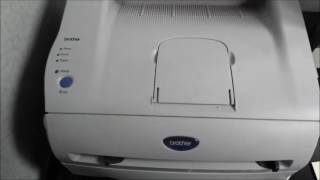
Reset Tonner Printer Brother HL- 5450dn
 У вашего броузера проблема в совместимости с HTML5
How to reset Tonner Printer Brother HL- 5450dn
1.Turn of the printer
2.Open front cover
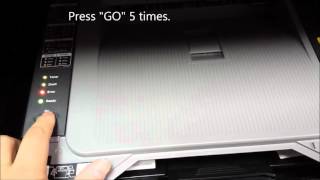
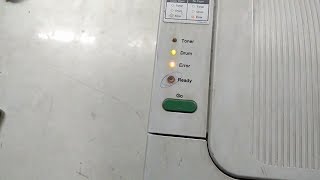
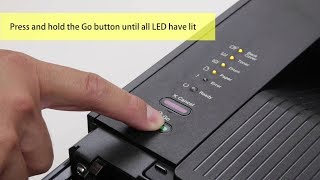
3.Hold the “Go” button turn on the printer and still hold it about 3 second until all light up then release “Go” button
4.Press the “Go” button 2 times wait all light up
5.Then press 5 time for the standard cartridge and 6 time for the high new cartridge
6.Close the front cover, now the cartridge is going to reset.
Похожие видео
Мой аккаунт