

Friday, 19 June, 2026г.
















Где искать: по сайтам Запорожской области, статьи, видео ролики
пример: покупка автомобиля в Запорожье
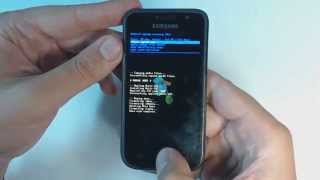
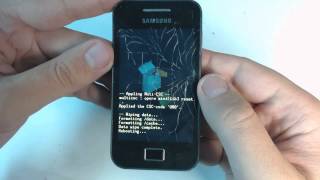
Samsung Galaxy Y S5360 - How to remove pattern lock by hard reset
 У вашего броузера проблема в совместимости с HTML5
You can also try dr.fone - Android Lock Screen Removal to bypass pattern, PIN, password & fingerprints for Android devices with NO DATA LOSS: https://goo.gl/sEpYPY - - - 1.Power off your phone 2.Press together volume up +home button+power button 3.Wait untill Samsung logo appears 4.Leave your fingers down to the buttons 5.Browse with volume buttons and select "wipe data" with home button 6.Select "yes" and press the home button 7.Wait until process is over 8.Select "reboot system now" 9.Wait until the phone restarts Warning! Do this at your own risk! All your phone data (contacts,photos,videos,music,messages,aplications,games,files,) will be lost! Please make backup first if you can! _________________________ Watch us on: ►Facebook: https://www.facebook.com/gsmabc ►Twitter: https://twitter.com/GSM_ABC ►Ofiicial blog: http://gsm-abc.blogspot.com ►Ofiicial site: http://www.gsm-abc.com
Теги:
samsung galaxy hard reset s5360 Samsung Galaxy Y (Computing Platform) Samsung Galaxy (Product Line)
Похожие видео


Мой аккаунт