

Sunday, 09 August, 2026г.
















Где искать: по сайтам Запорожской области, статьи, видео ролики
пример: покупка автомобиля в Запорожье
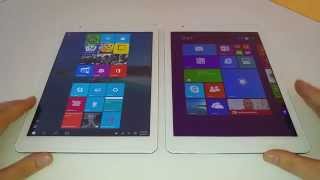
Teclast X98 Air II Windows 8.1 tablet Intel Bay Trail - eMMC speed increase, system review
 У вашего броузера проблема в совместимости с HTML5
Hello everyone,
Here you can see the link for the website, that will help you increase the speed of your internal eMMC or SSD.
http://www.tweakhound.com/2013/11/02/windows-8-1-ssd-settings-etc/
I just used this registry file and also manually turned off Files Indexing
https://www.dropbox.com/s/9t1cvqhl6fm2ft2/OptimizeWindows81SSD_v2.reg
You can check your internal drive speeds with CrystalDiskMark, you can get it here
http://crystalmark.info/software/CrystalDiskMark/index-e.html
Please let me know your results and if you have any questions, let me know in comments sections below. Hope you liked the video and thanks for watching.
Теги:
teclast x98 air air 2 china tablet windows 8.1 bing android Android (Operating System) microsoft metro ipad apple retina hynix emmc ssd ddr3 intel atom z3736f z3740 lenovo asus t100 t200 display Computer X86 (Computer Processor) X86-64 (Computer Processor) Laptop GNU/Linux (Operating System) crystaldiskmark performance tweak settings hd 7 gaming bay trail nvidia 3d mark cpuz hitachi umpc mid acer ddr3l low cost samsung sdxc uhs-1
Похожие видео


Мой аккаунт