

Friday, 10 July, 2026г.
















Где искать: по сайтам Запорожской области, статьи, видео ролики
пример: покупка автомобиля в Запорожье
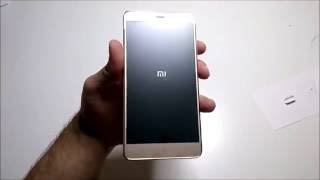
Xiaomi Redmi Note 4 Flash Official Global ROM Flashing Guide Video
 У вашего броузера проблема в совместимости с HTML5
Shop Now REDMI NOTE 4 : https://goo.gl/I3KaVr
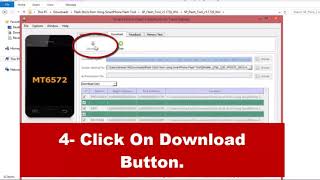
1.Install the drivers on Your PC.
2.Run "Flash_tool_5.1612" - "flash_tool.exe" (DON'T USE OTHER VERSION)
3.Choose the rom file "RMN4_Global_ROM_8.0.3" - "MT6797_Android_scatter.txt"
4.Choose "Firmware Updrage"
5.Pls confirm your choice as Picture "Select.png", Click "Download" buttom (Green arrow).
6.Turn off your phone, Hold Volume down Button then connect your phone to PC. When You see Yellow Bar, Release volume button.
7.After compelet,reboot your phone.
Official Global firmware,support OTA update.
Похожие видео

Мой аккаунт