

Sunday, 09 August, 2026г.
















Где искать: по сайтам Запорожской области, статьи, видео ролики
пример: покупка автомобиля в Запорожье
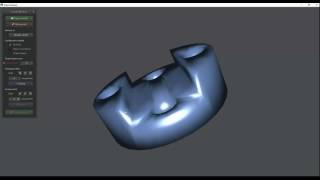
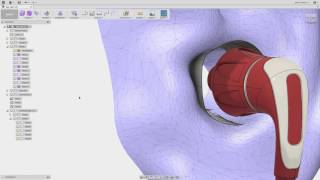
Better STL to BRep Conversion in Fusion 360
 У вашего броузера проблема в совместимости с HTML5
There is a better way to import STL models into Fusion 360 than the "Mesh to BRep" tool.
1. Convert STL into OBJ with quads using "ReCap Photo" (NOT just "ReCap")
2. Import OBJ with quads into Fusion 360
3. Disable design history (which is the only way to get Sculpt mode)
4. Sculpt → Utilities → Convert → Quad mesh to T-splines
5. Sculpt → Utilities → Convert → T-splines to BRep
6. Re-enable design history
Switch Pro Controller Stand on Thingiverse: https://www.thingiverse.com/thing:3030629
It looks like the original 3D scan of the controller is no longer available on Thingiverse for whatever reason. Here is the smoothed version exported as an OBJ file with quads, ready to be imported into Fusion 360: http://nicholas.piegdon.info/stuff/SwitchProController.obj
MeshMixer site: http://www.meshmixer.com/
ReCap Photo site: https://www.autodesk.com/products/recap/overview
Теги:
fusion 360 stl model convert brep tutorial guide nintendo nintendo switch pro controller stand 3d printing
Похожие видео

Мой аккаунт