

Wednesday, 17 June, 2026г.
















Где искать: по сайтам Запорожской области, статьи, видео ролики
пример: покупка автомобиля в Запорожье
Tableau in Two Minutes - Dynamically Hiding NULLs in Table Calculations
 У вашего броузера проблема в совместимости с HTML5
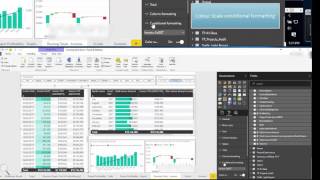
In this video we demonstrate how you can stop showing those annoying NULLs at the start of your table calculation - when calculating year over year growth using a table calculation, the first year is always NULL because there's no prior year in the data with which to calculate the growth. Hiding the NULLs saves space and cleans up the look of your visualization and dashboard. We demonstrate how to do this using a simple filter on the measure, and also using a more complex level of detail calculation to lock to a specific time frame and give you a header that will help the right data show, and irrelevant data stay hidden.
Теги:
tableau tableau in two minutes table calculations table calcs LOD Calculations level of detail data visualization year over year growth YoY growth dynamic hiding cleaning up visualizations data analysis data analytics data science tableau dashboard tableau training for beginners
Похожие видео

Мой аккаунт